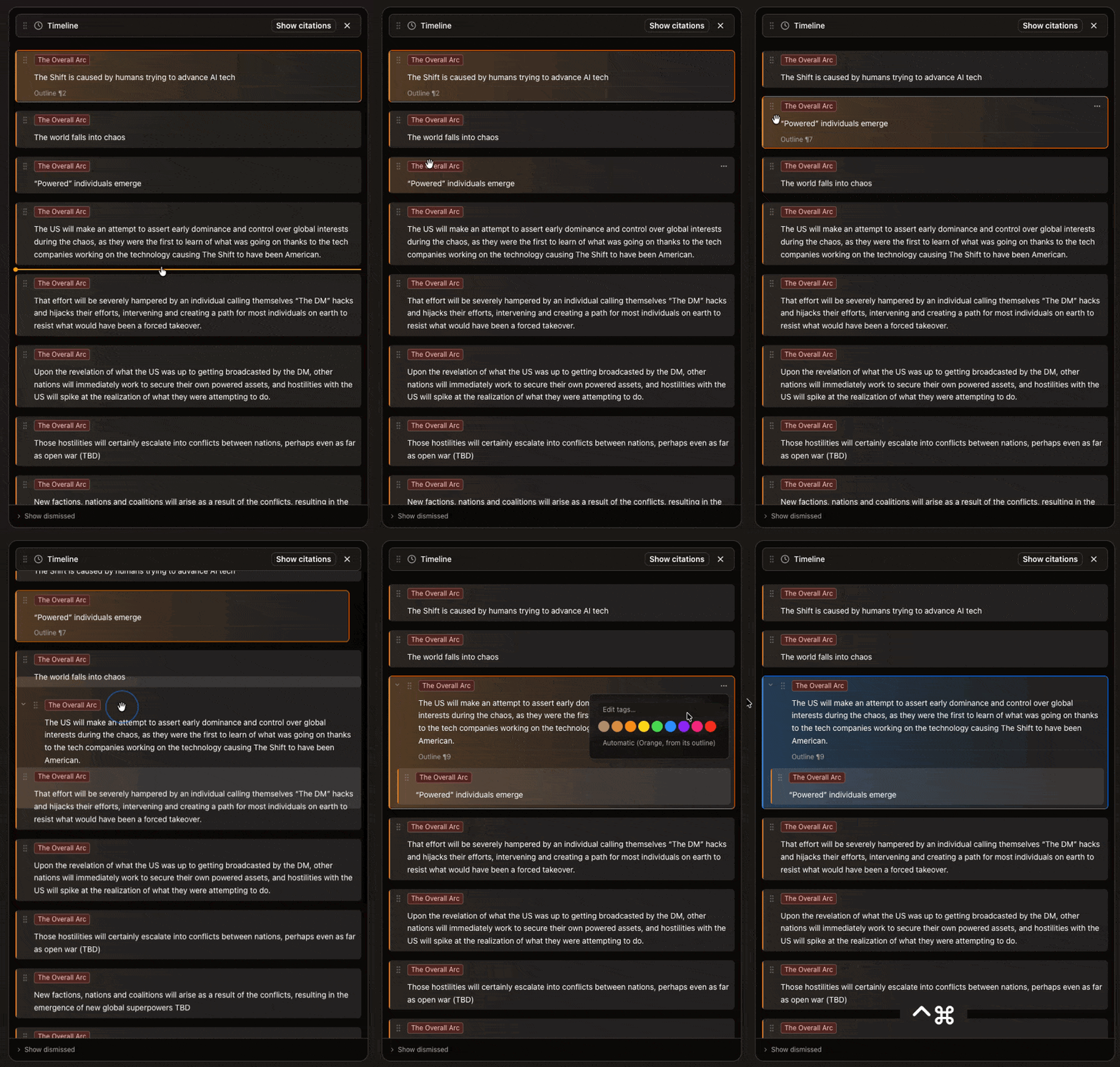
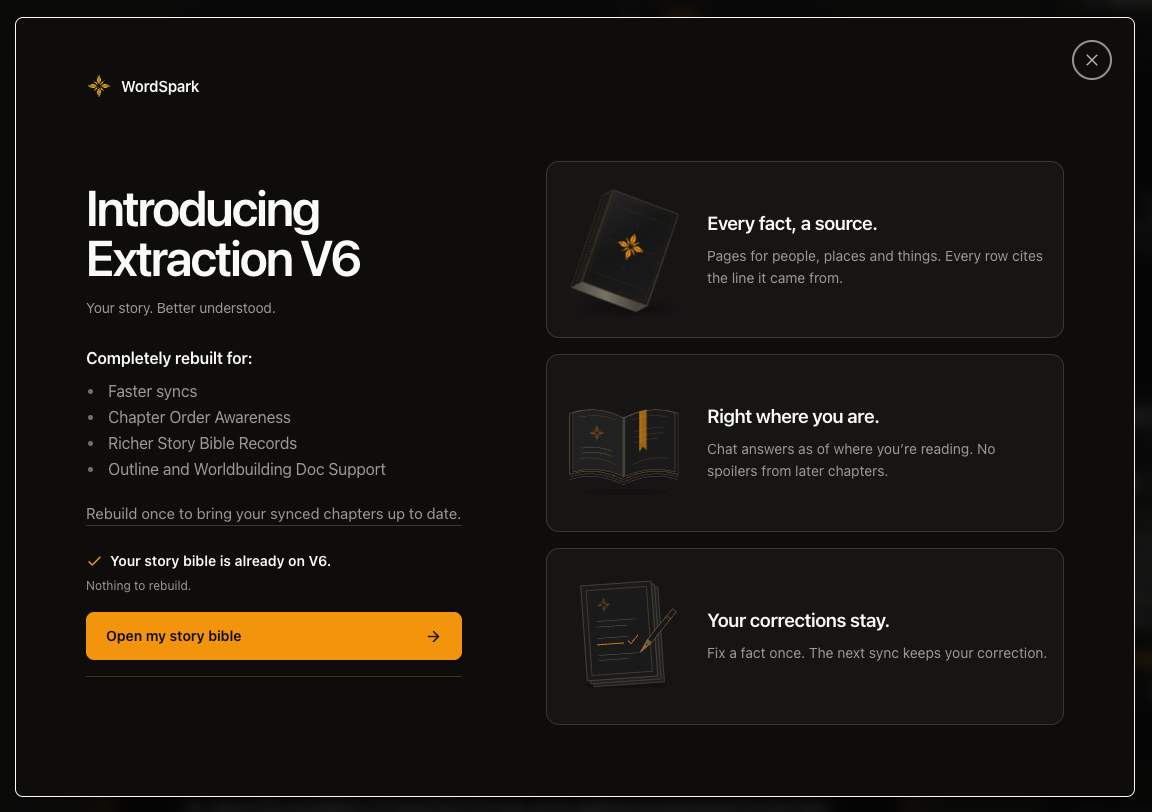
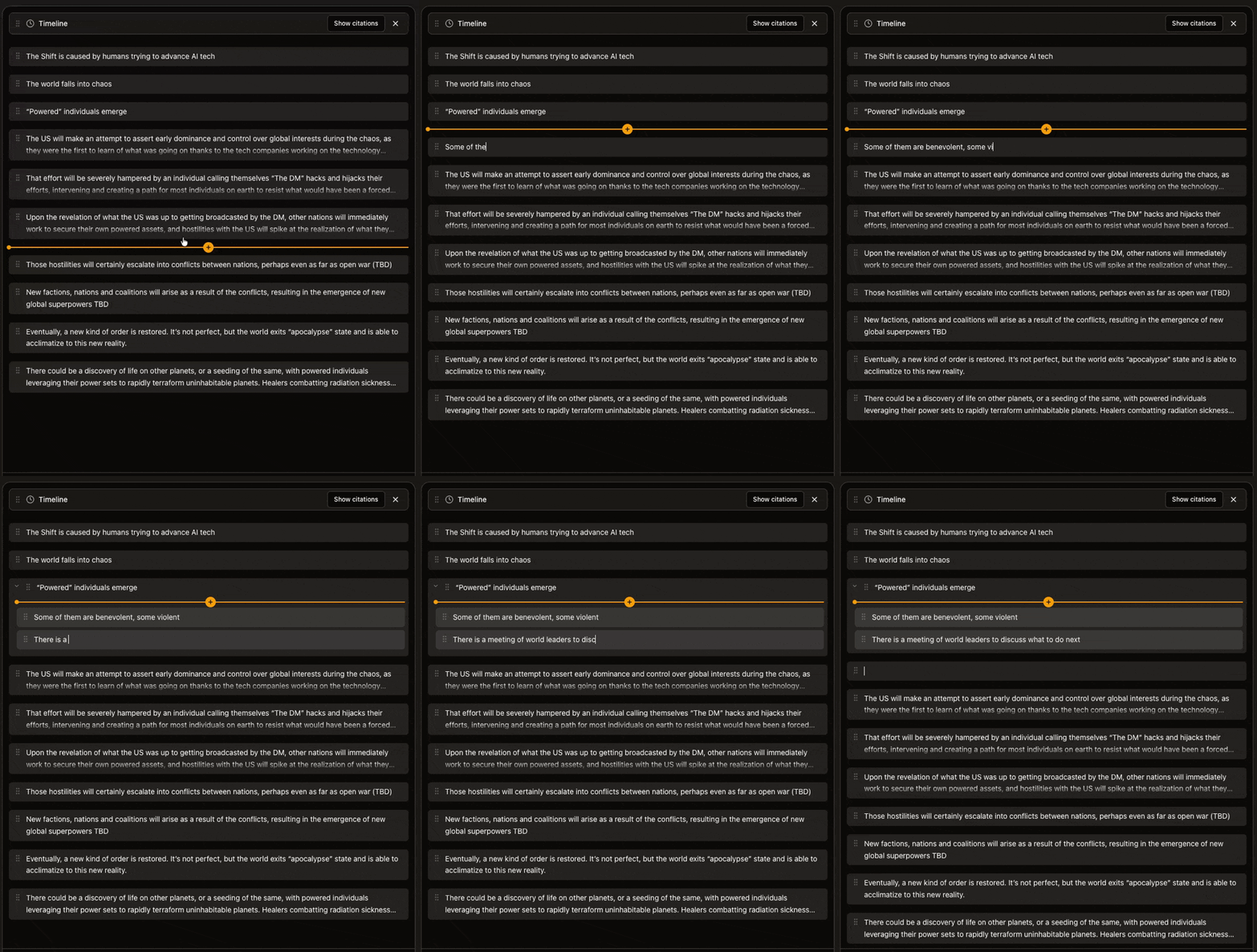
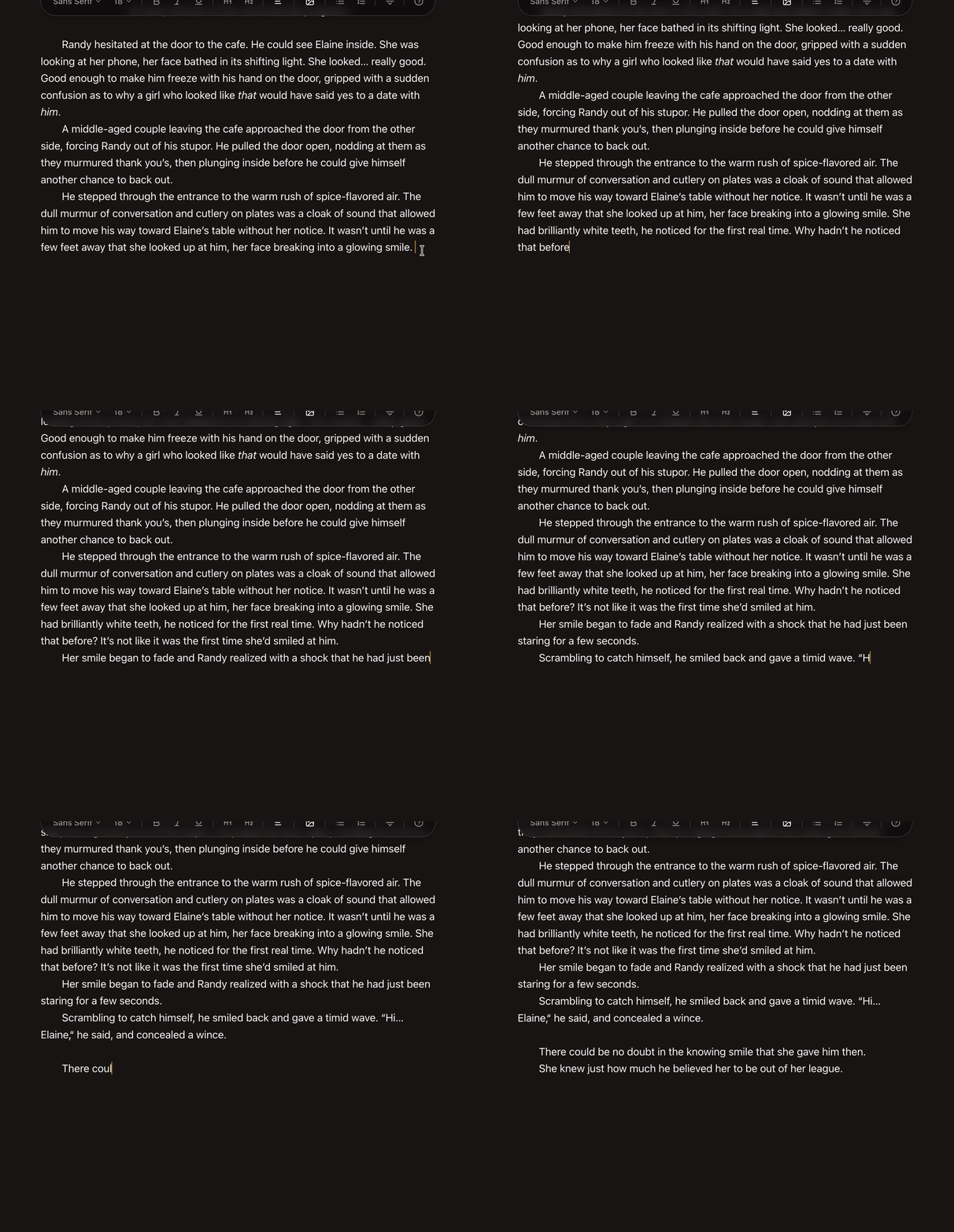
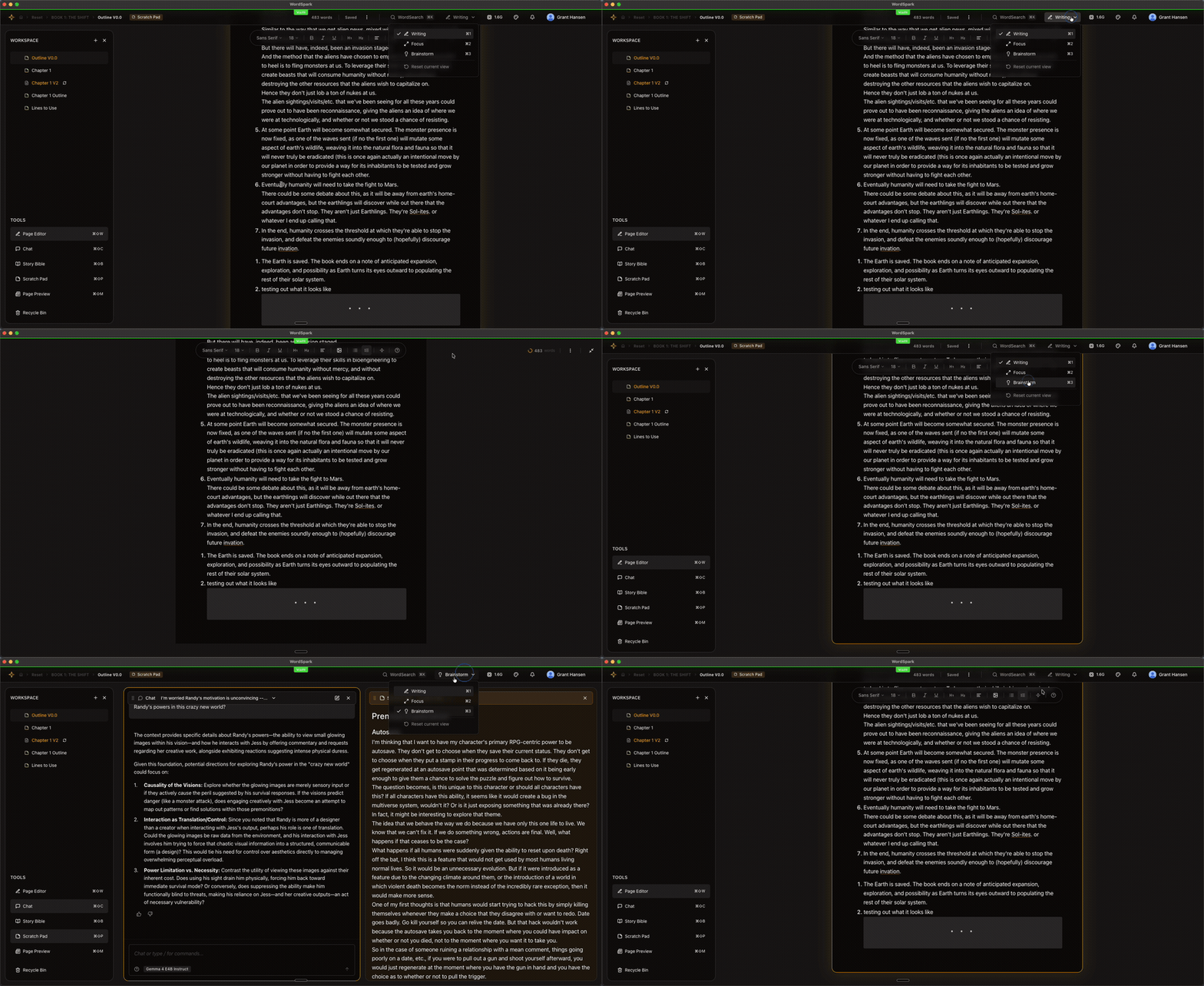
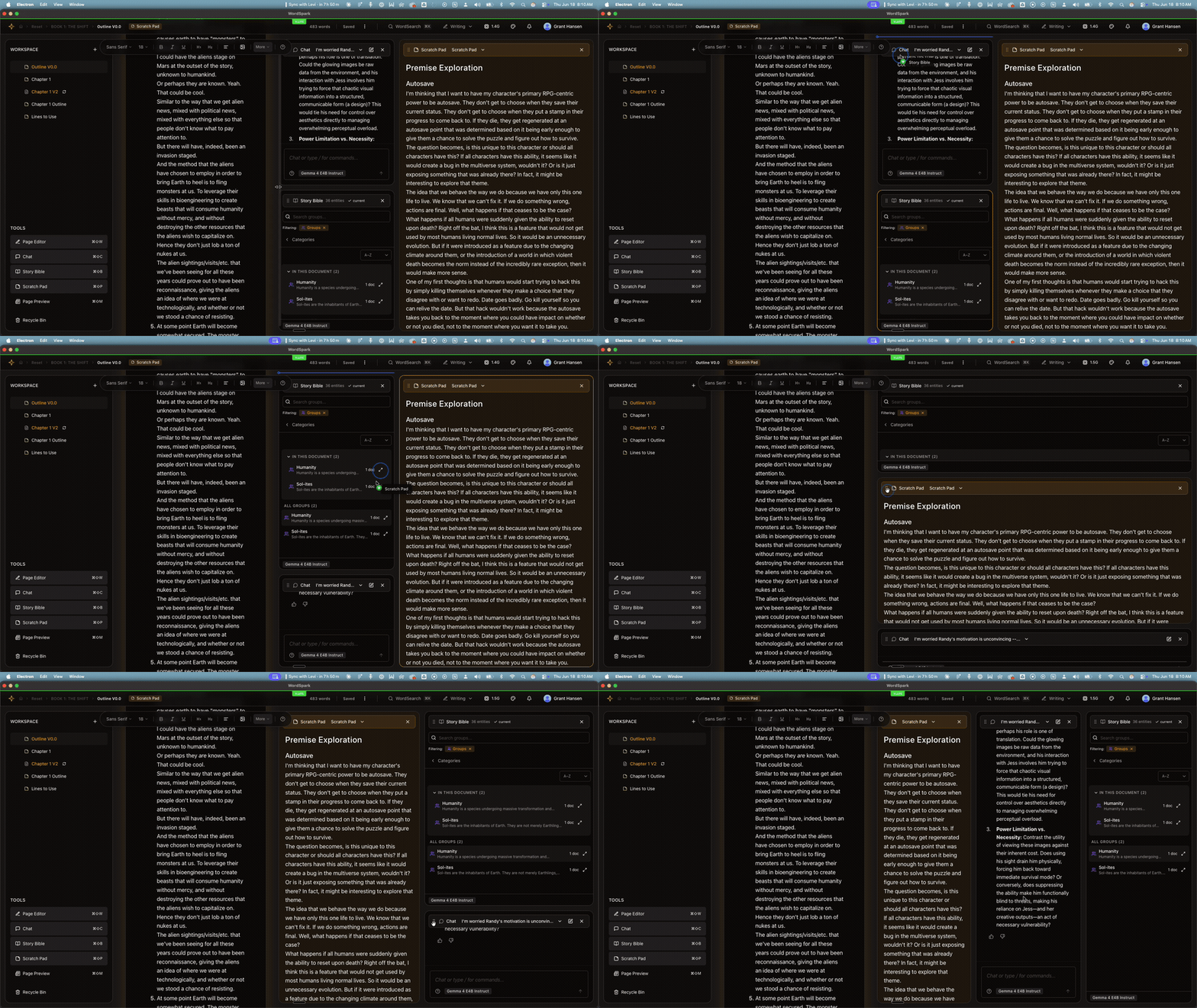
WordSpark v0.2.0 is a major release. AI now runs entirely on your own machine — no internet required, no per-message cost, no waiting on cloud servers. Your chat companion is sharper and remembers what you've talked about. Your Story Bible understands your manuscript more accurately than before. And there are four brand-new surfaces for writers: a Scratch Pad for non-canon writing, WordSearch for finding anything in your project, full image support, and a live manuscript page preview.
✨ AI That Runs on Your Mac
- No more cloud, no more waiting. Chat responses, Story Bible extraction, and citations all happen on your computer. No internet connection needed for AI features once your model is downloaded.
- Pick your model. Download, swap, and remove AI models from inside WordSpark. WordSpark recommends a model that fits your machine's memory.
- Smarter about resources. WordSpark loads the AI when you need it, frees up memory when you don't, and recovers gracefully if your machine runs short on RAM.
- Cloud AI is opt-in. If you'd rather use cloud models, you can plug in your own API key. The default is private, on-device, and free to run.
✨ A Smarter Chat Companion
- Your AI remembers the conversation. Threads now keep their context across turns and across sessions, on both web and desktop. Pick up a chat from yesterday and it knows what you were working on.
- The AI knows what kind of help you're asking for. Brainstorm, check, summarize, find — WordSpark routes your question to the right tool instead of guessing.
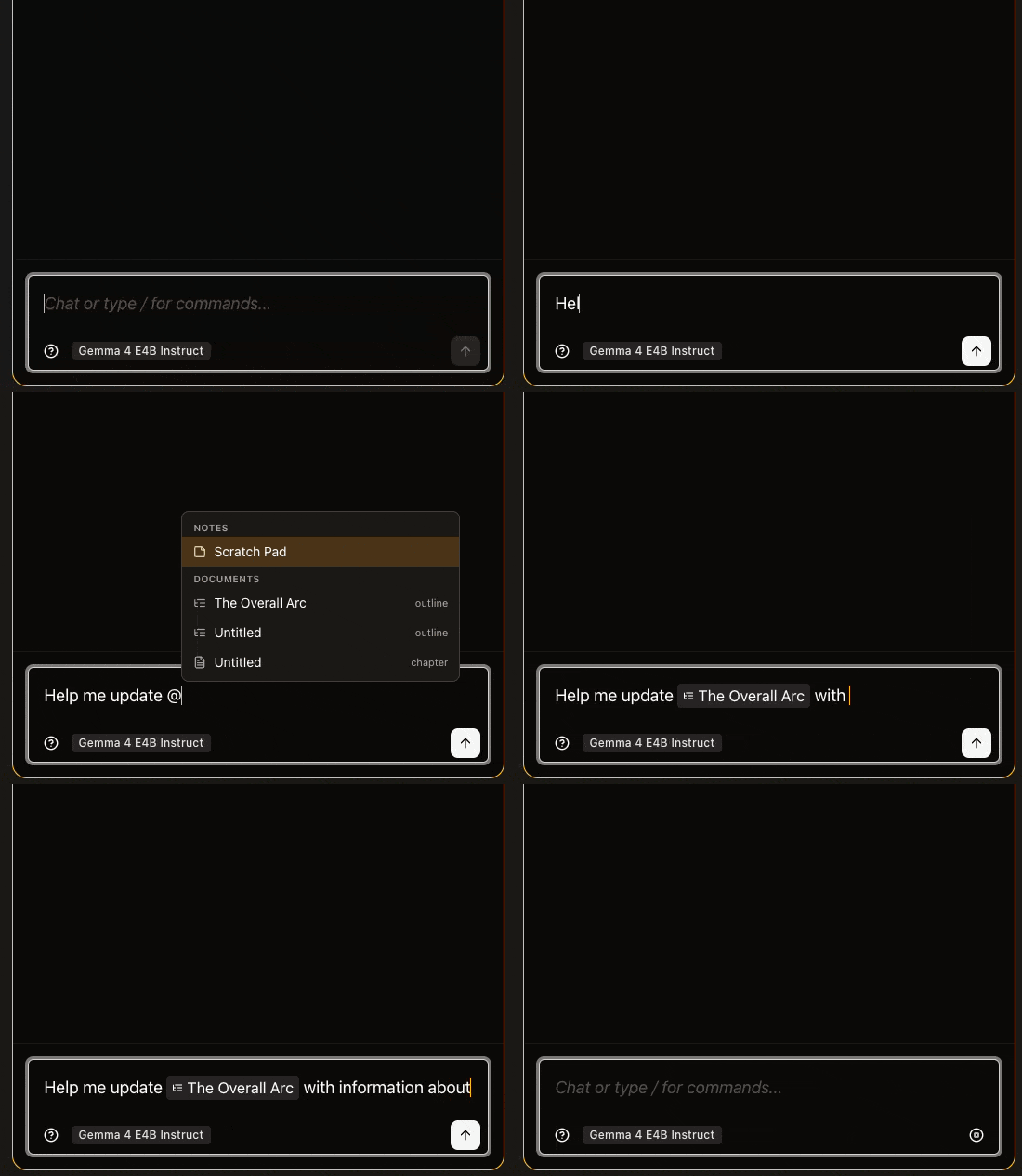
- Slash commands inside chat. Type
/ to see what your AI companion can do. Includes /no for politely declining a suggestion without re-explaining yourself.
- Reliable citations. When the AI cites a passage from your manuscript, the citation actually points where it says it does — every time.
- Rich text input with queuing. Format chat messages with bold, italics, and lists. Keep typing while the AI thinks; your next message will be sent when it's ready.
- A clearer writing-coach voice. The AI now follows a writing-coach personality that respects your authorial intent. You can customize personas if you want a different tone.
✨ A More Accurate Story Bible
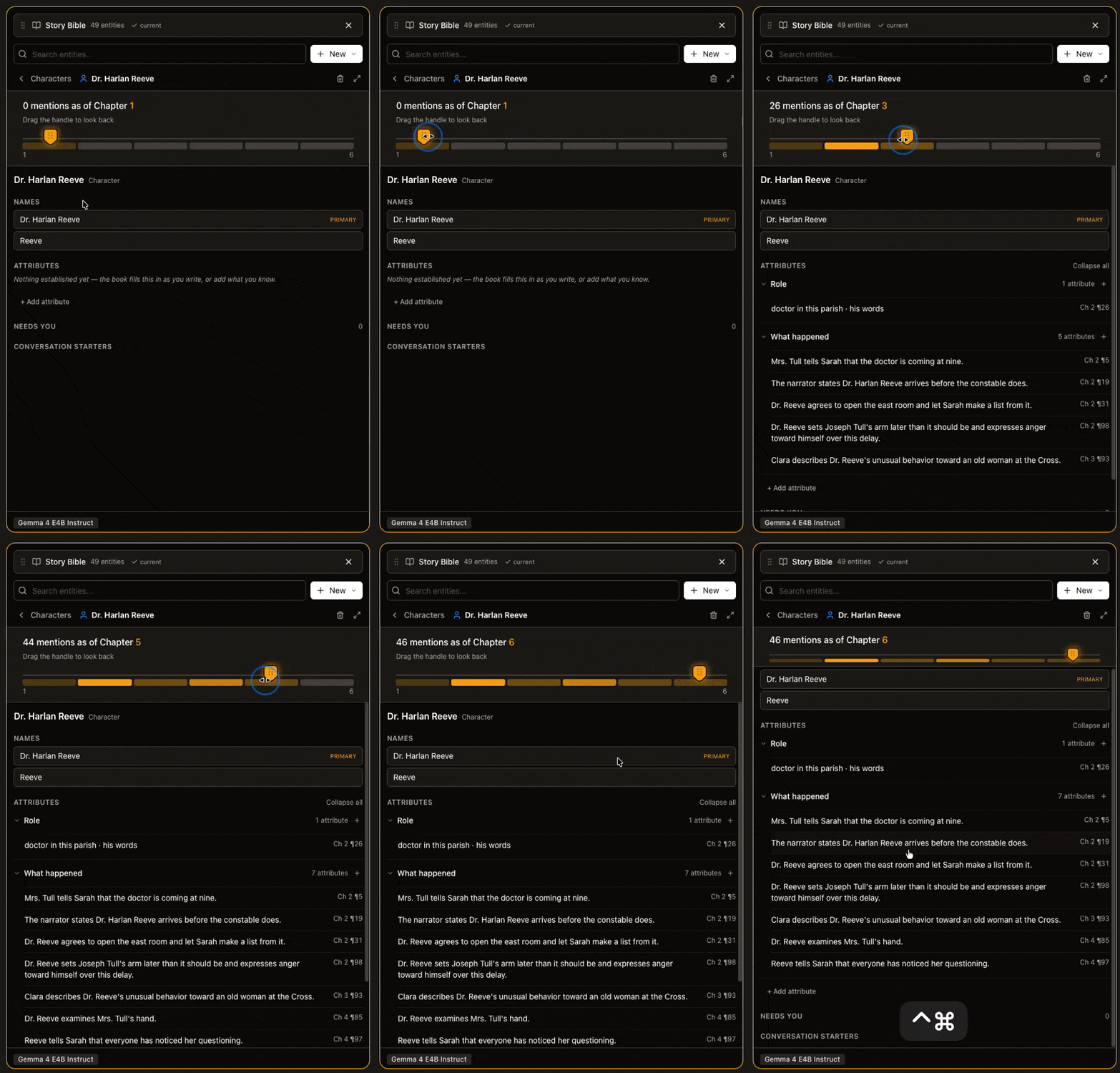
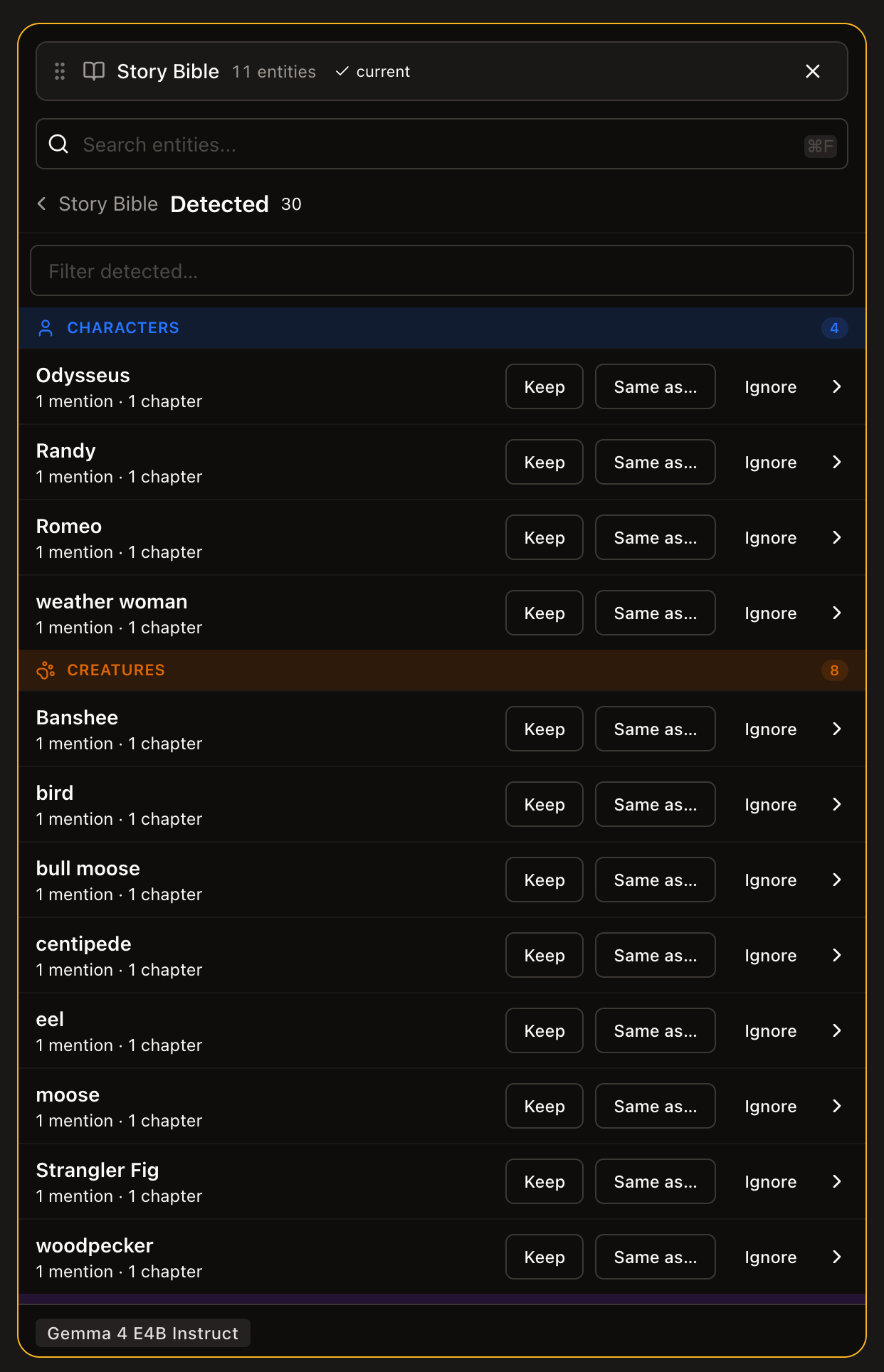
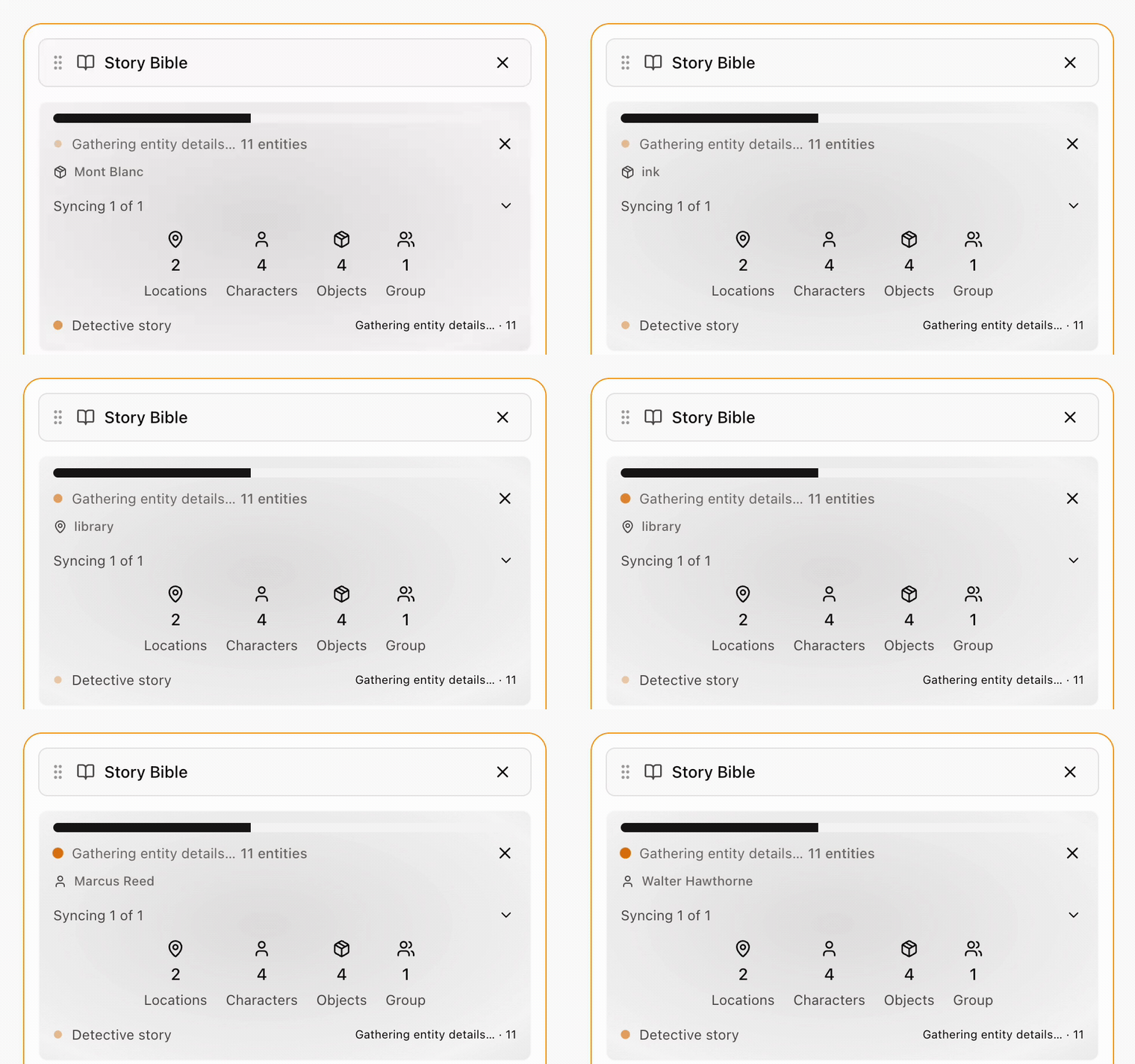
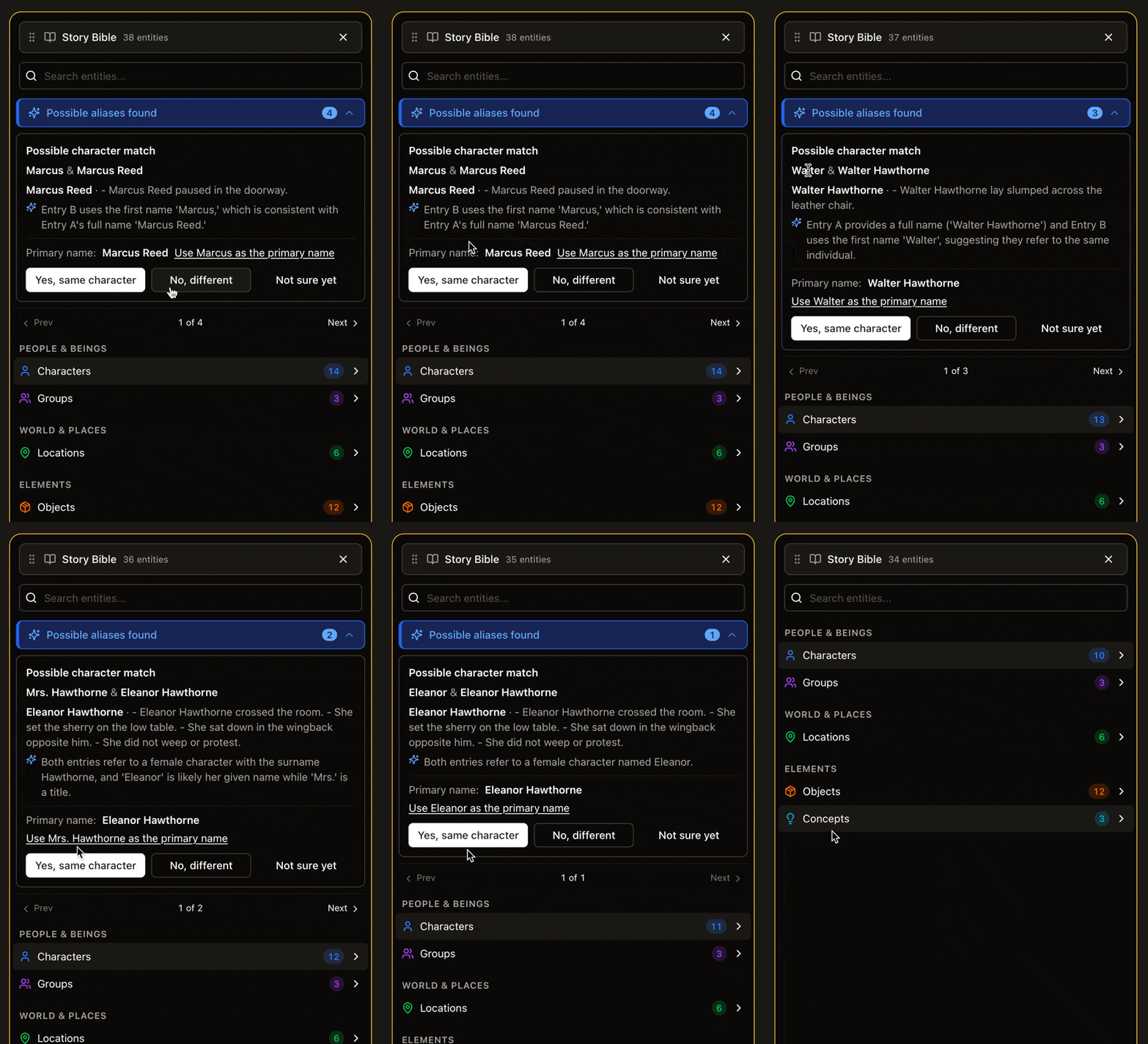
- Better automatic extraction. WordSpark now recognizes characters, places, and concepts in your prose more accurately — including new ones you didn't declare upfront. It also figures out when "Sarah," "Dr. Reed," and "she" all refer to the same person across scenes.
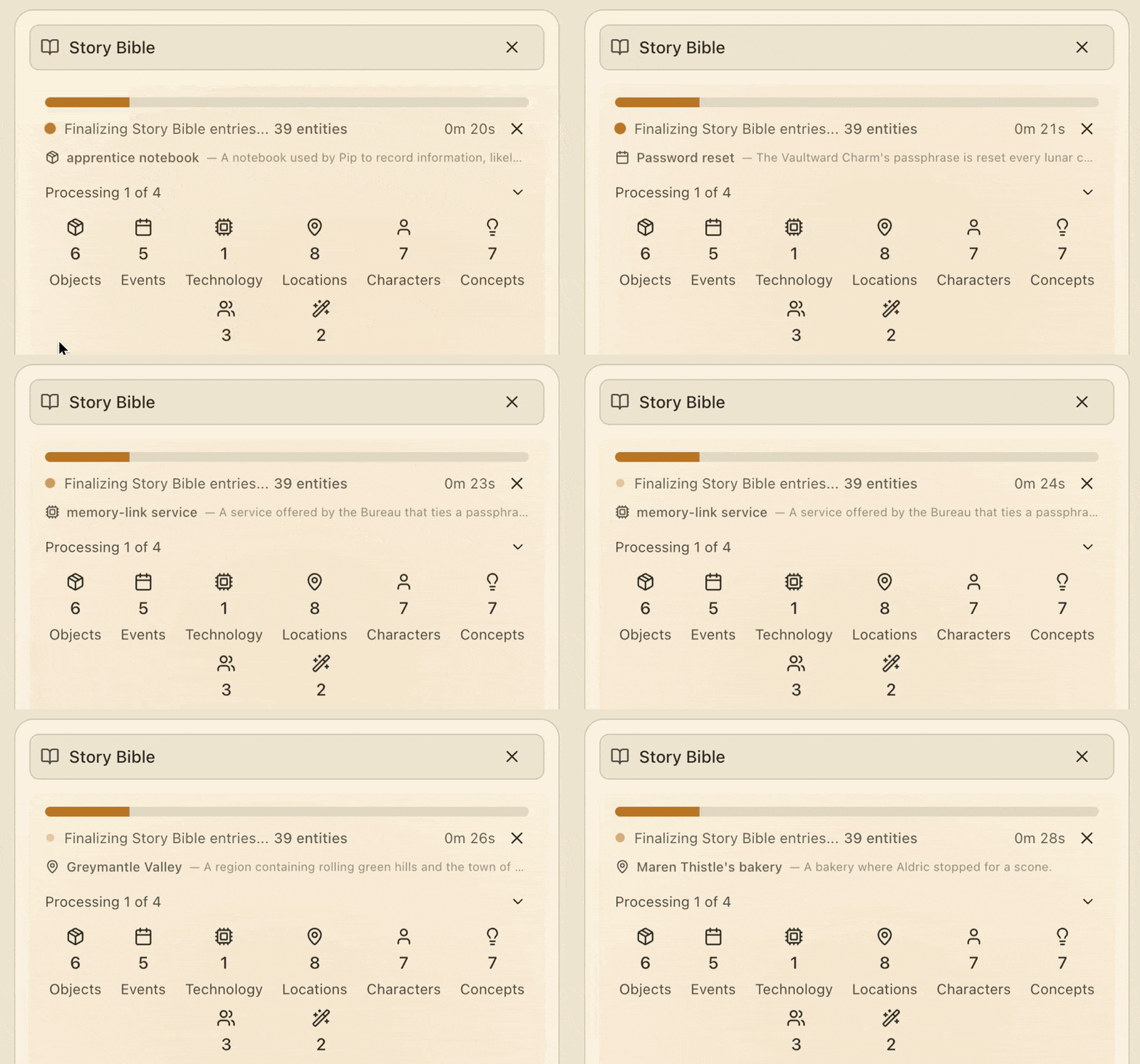
- One-click sync. "Canonization" is now called Sync. One click refreshes your Story Bible from your prose. An ambient indicator tells you when your Bible is out of date.
- Every fact links back to the prose. When WordSpark says a character has green eyes, you can see exactly which paragraph it learned that from.
- Smart Prose Correction. Fix a character's name or detail in the Story Bible, and WordSpark surfaces every place in your prose that needs to be updated — with you in control of which edits to accept. (We never silently change your writing.)
- Author-edit protection. If you've manually edited an entity's description, WordSpark protects your changes during the next sync instead of overwriting them.
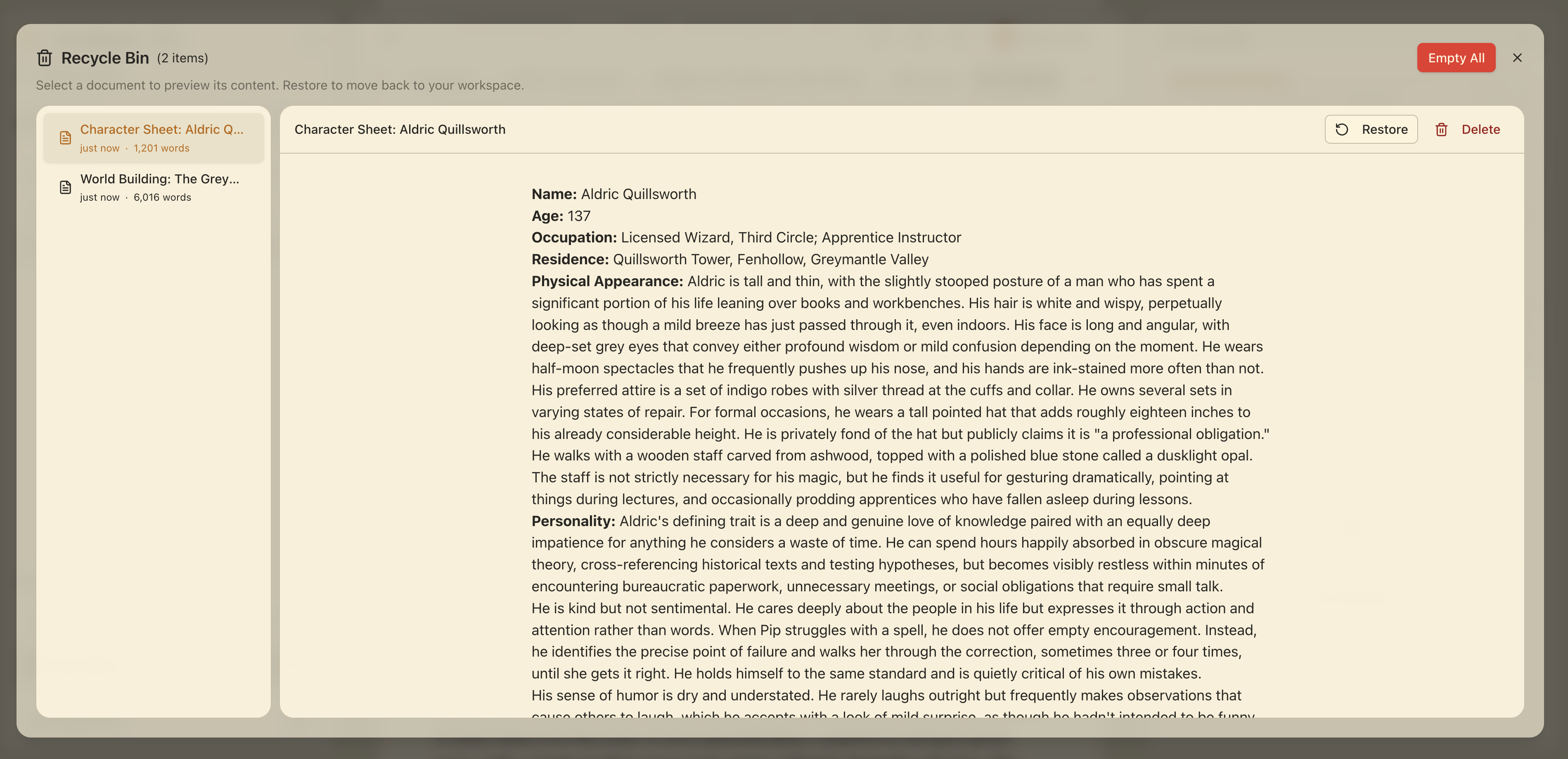
- Automatic cleanup. Delete a paragraph, and the Story Bible facts that came from it clean up automatically.
- Much faster on desktop. Story Bible sync on the desktop app is dramatically faster on large manuscripts.
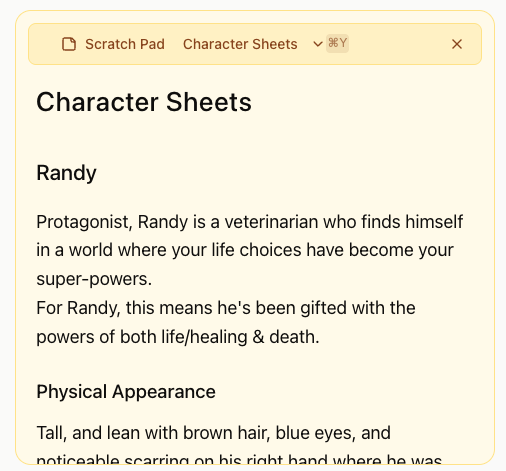
✨ Scratch Pad Mode
A gold-themed, non-canon writing surface for warm-ups, deleted scenes, character explorations, and anything that isn't your manuscript. Multi-pad with colors, tags, pinning, manual reorder, and full-text search across every pad. Syncs across your devices.
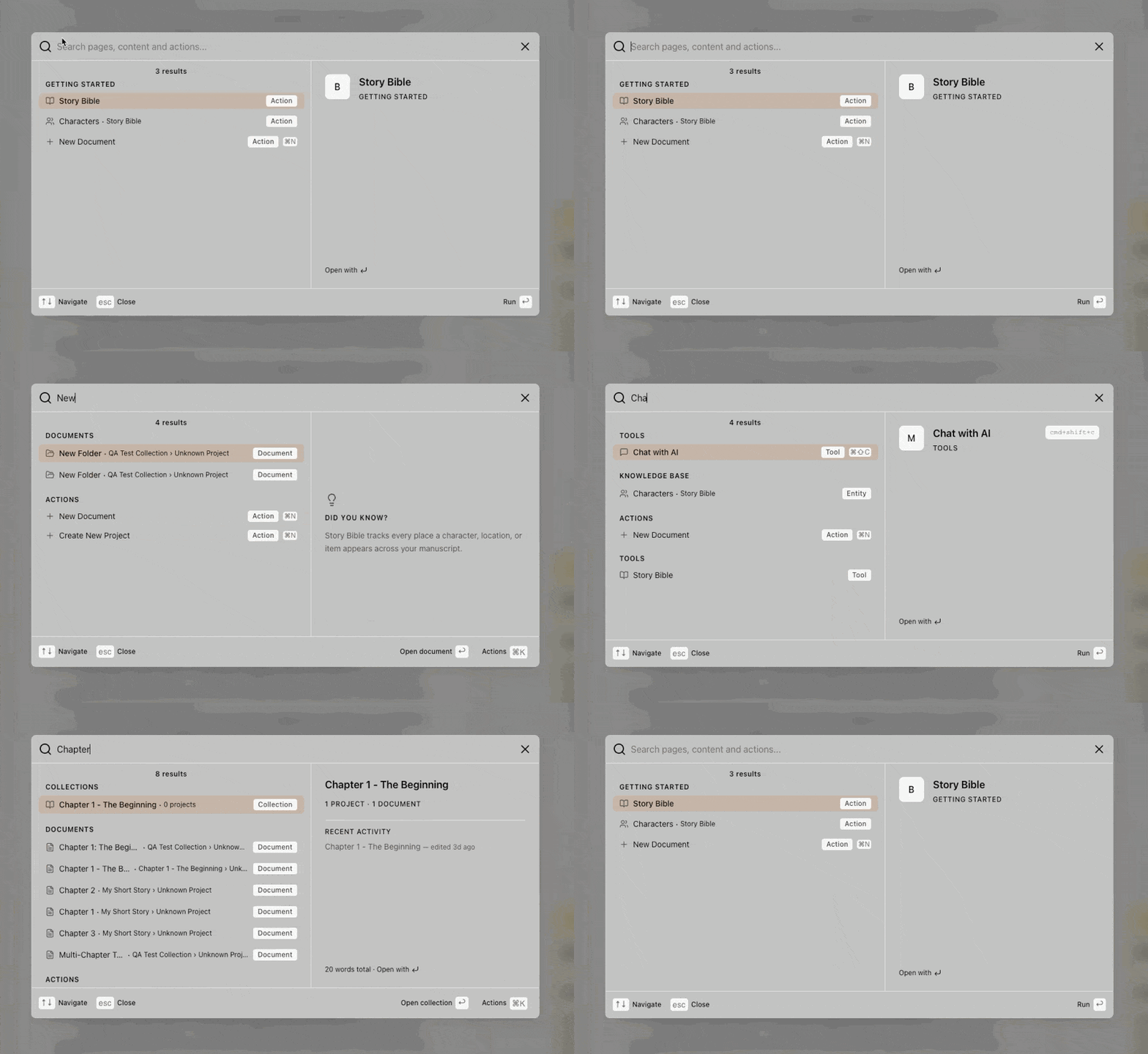
✨ WordSearch — Find Anything, Fast
Press ⌘K to open WordSearch from anywhere. Find a document, a character, a place, an action — type a prefix like # for entities or > for actions to narrow your search. A live preview pane shows what you're about to open. WordSearch is also how you discover keyboard shortcuts and quick actions.
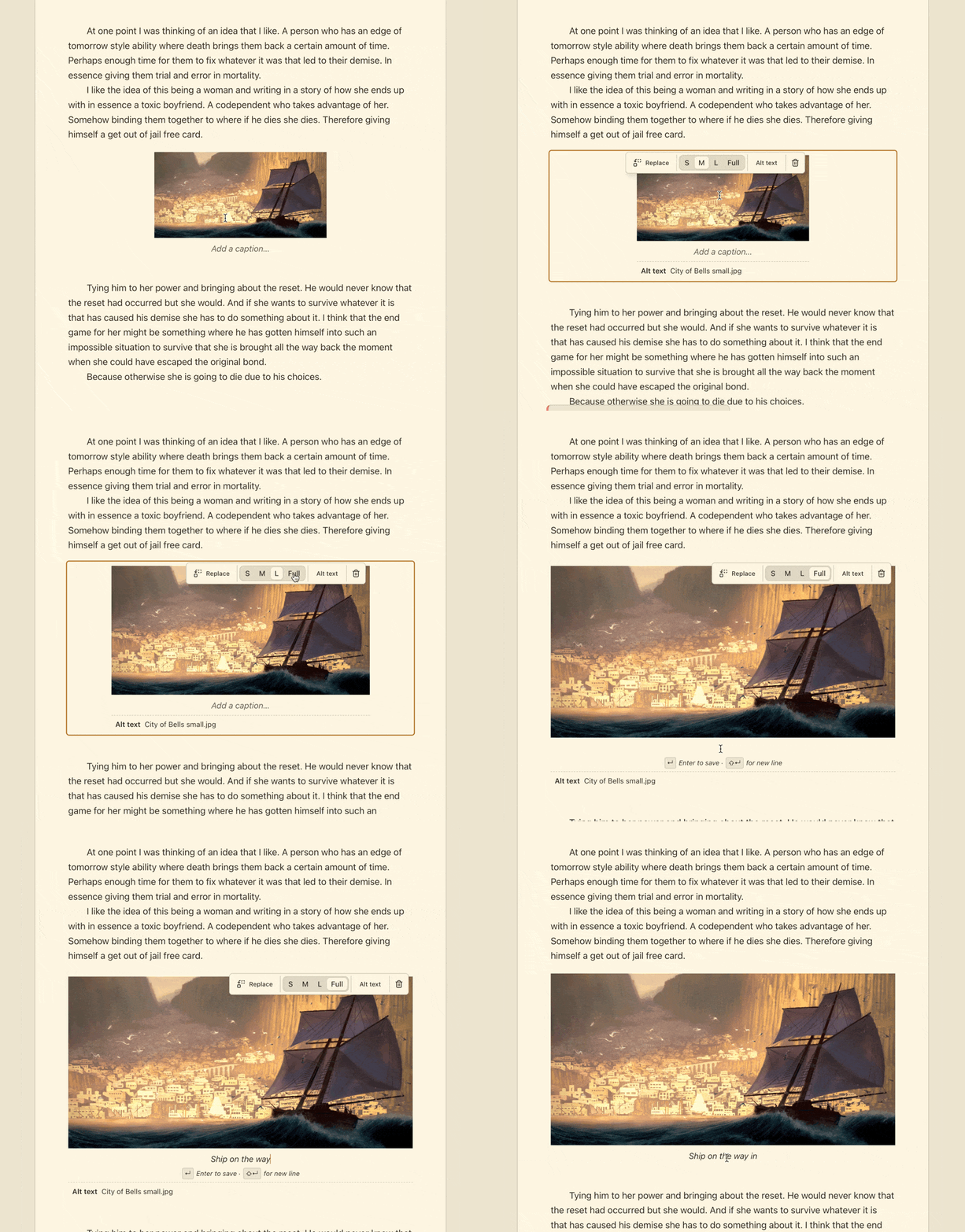
✨ Image Support
-
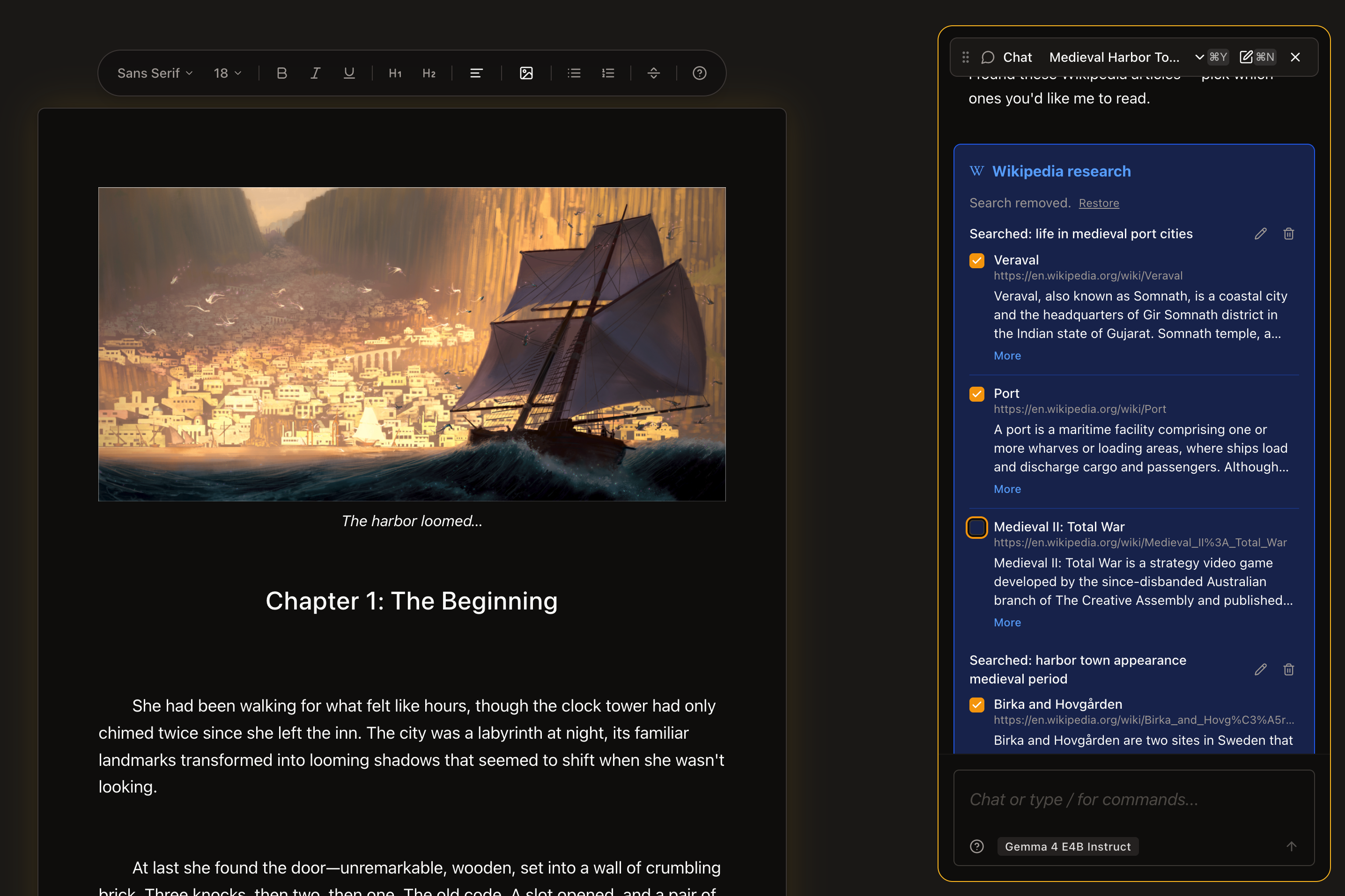
Insert images via toolbar, drag-and-drop, or paste from your clipboard. HEIC images from your phone are converted automatically.
-
Word documents import with their images intact. No more losing illustrations when you bring in a .docx.
-
Edit images inline. Resize, replace, add alt text and captions — all without leaving the editor.
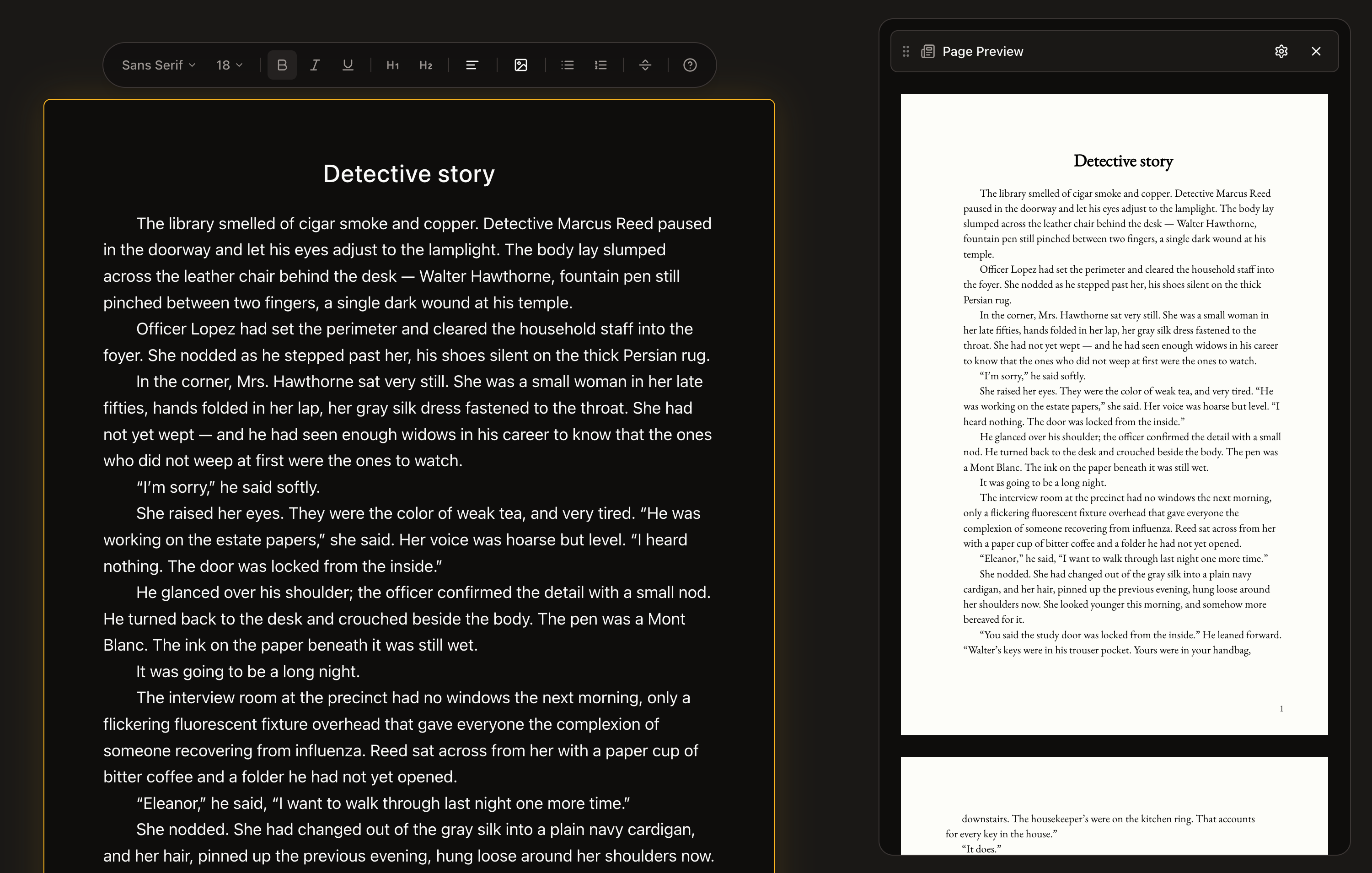
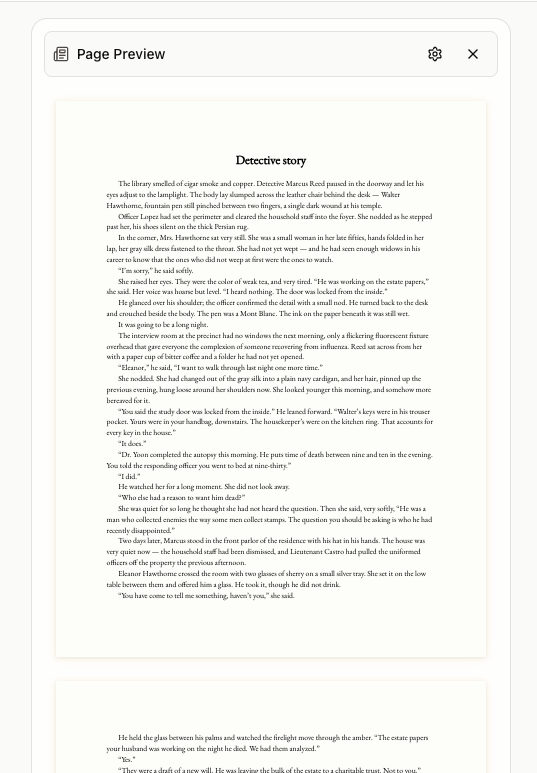
✨ Manuscript Page Preview
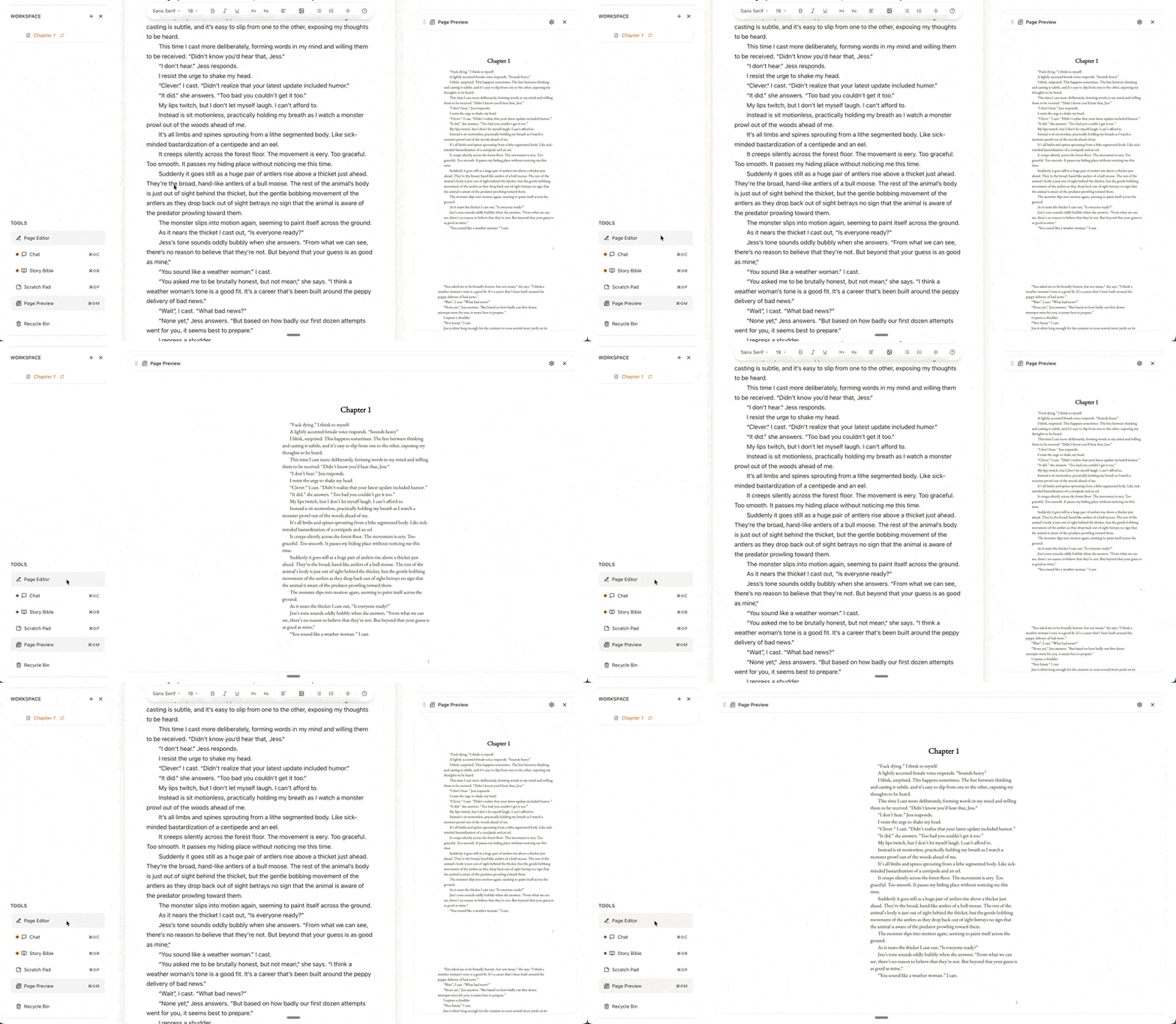
See what your novel will look like as a finished printed page while you write. Configurable trim size, margins, and running heads (the chapter title and page number at the top of each page). The preview updates live as you write.
✨ A Calmer First-Run Experience
- A new onboarding ceremony — "The Dissolve." A quieter, more confident first-write experience that fades away as you find your stride. No more "are you done yet?" prompts.
- Story Bible and chat reveal themselves naturally as you build momentum, instead of all at once.
- A congratulatory card appears the first time you discover focus mode.
✨ Writing Goals & Progress
- Daily and session word count goals with a filling vessel ring that turns gold on completion.
- The same progress ring appears in your header, your focus mode toolbar, and your progress popover.
- Panel Focus System. Keyboard shortcuts like ⌘F now act on whichever panel is focused, so you can find in your editor or your Story Bible without switching contexts.
- Global Story Bible search with a dedicated hotkey.
✨ Editor Polish
- Inline font controls. Choose font family and size right in the editor toolbar.
- Author-controlled paragraph indent. First-line indent with per-paragraph override.
- Cleaner heading styles. Tighter spacing, H3 enabled, sensible defaults out of the box.
- Native spell-check restored on right-click.
- Big typing-speed fix. Documents over 1,500 words no longer feel sluggish.
✨ Desktop Improvements
- System-browser sign-in. OAuth opens in your default browser instead of an in-app window — safer, and your saved logins work.
- Custom DMG installer artwork.
🐛 Notable Fixes
- Citation rendering restored after the chat rewrite.
- Onboarding ceremony no longer repeats every time you sign in.
- Theme respects your system preference on first load.
- Chat history dropdown stays inside the visible window.
- Entity detail modal scrolls when descriptions get long.
- Story Bible context properly isolated between collections (series at the collection level, anthology at the book level).
- Find-and-replace highlights work again; global ⌘F works from anywhere.
- Email verification now required when signing up with email and password.
- Stripe trial banner shows days remaining without pushing content off-screen.
- Modals now dismiss in the right order when you press Escape.
- Sidebar and header now respect spacing and sizing across themes.
- Sync buttons no longer falsely disable while the AI is generating.
- Onboarding hints no longer "leak" into the app after graduation.
- A wide-reaching hover-state fix restored hover feedback throughout the app.
🎨 Look & Feel
- Sidebar redesign with inline naming, smooth creation transitions, and trial enforcement woven in.
- Full-width sticky header with unified navigation.
- New logo.
- Theme palette icon with color swatches for quick theme switching.